 CubejayCube Timer & Solver
Time your solves. Scan a cube and solve it.
A speedcubing timer with WCA inspection, scrambles and honest averages, plus a solver that reads your 3x3 with the camera and shows every move on a 3D cube. It works offline.
- WCA inspection, scrambles, ao5 and ao12, free
- Scan a 3x3 and follow beginner steps, no limit
- No ads on the timer, photos never saved or sent
Coming soon to Google Play.
Swipe through Cubejay
Stats that follow WCA rules 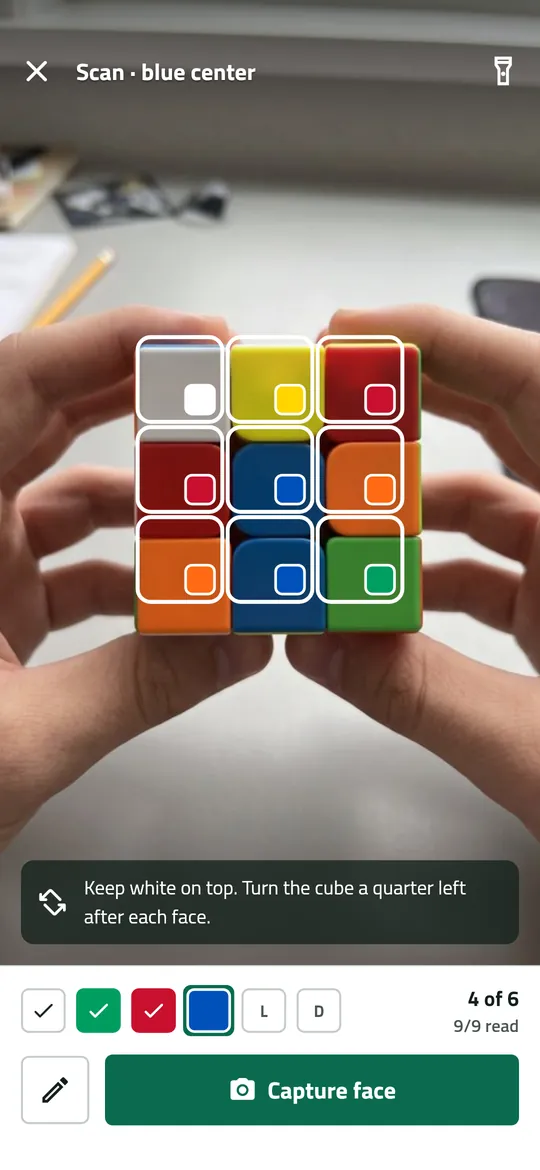
Scan a scrambled cube 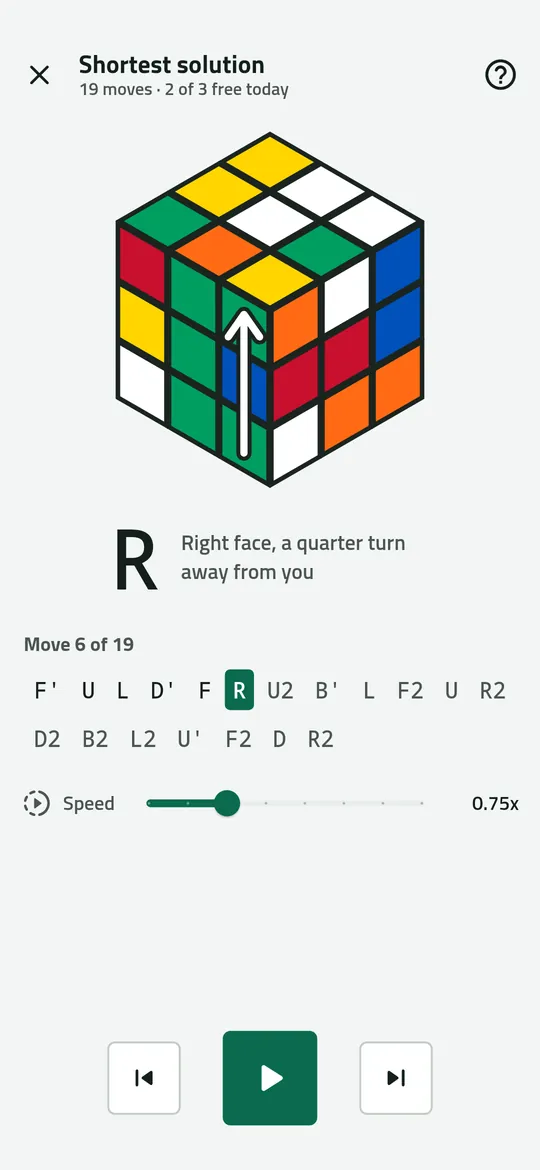
Every move on a 3D cube 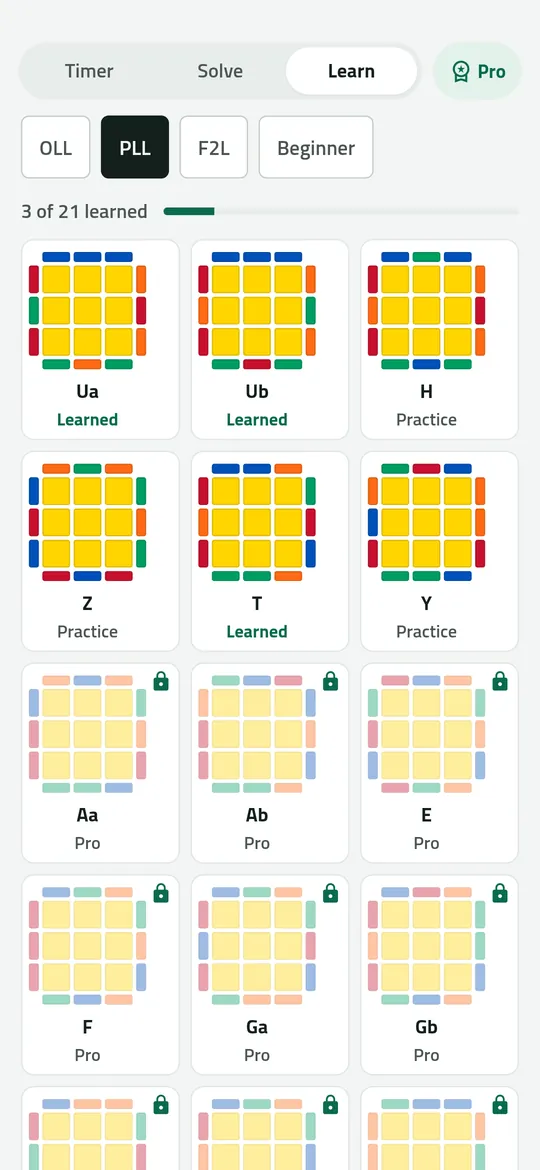
Learn the algorithms
What you can do
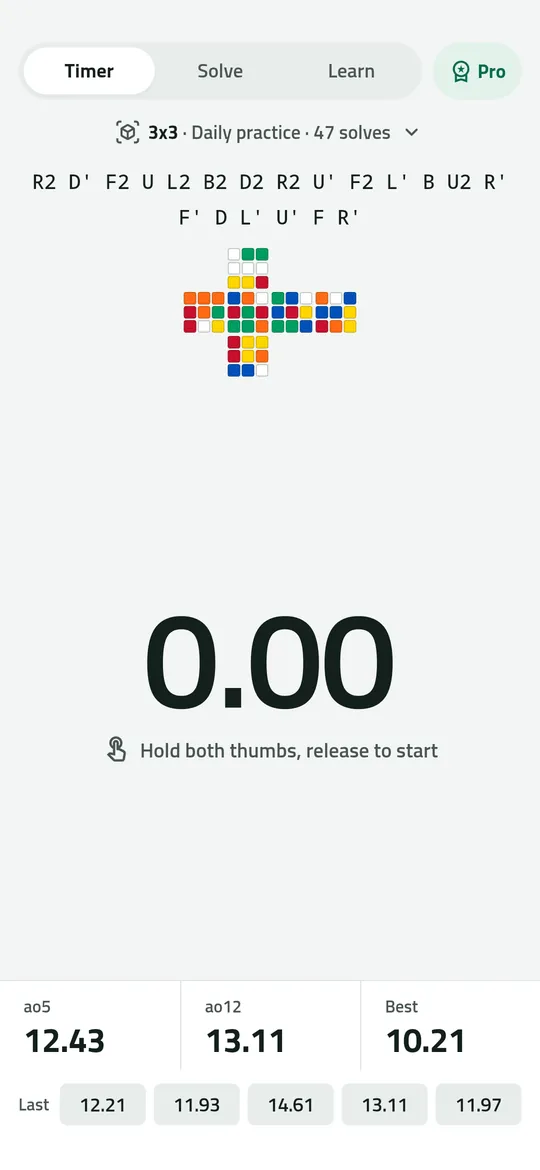
A timer built for speedcubing. Hold both thumbs and release to start, with 15-second WCA inspection, a scramble and its net, and ao5, ao12 and your best time under every solve.
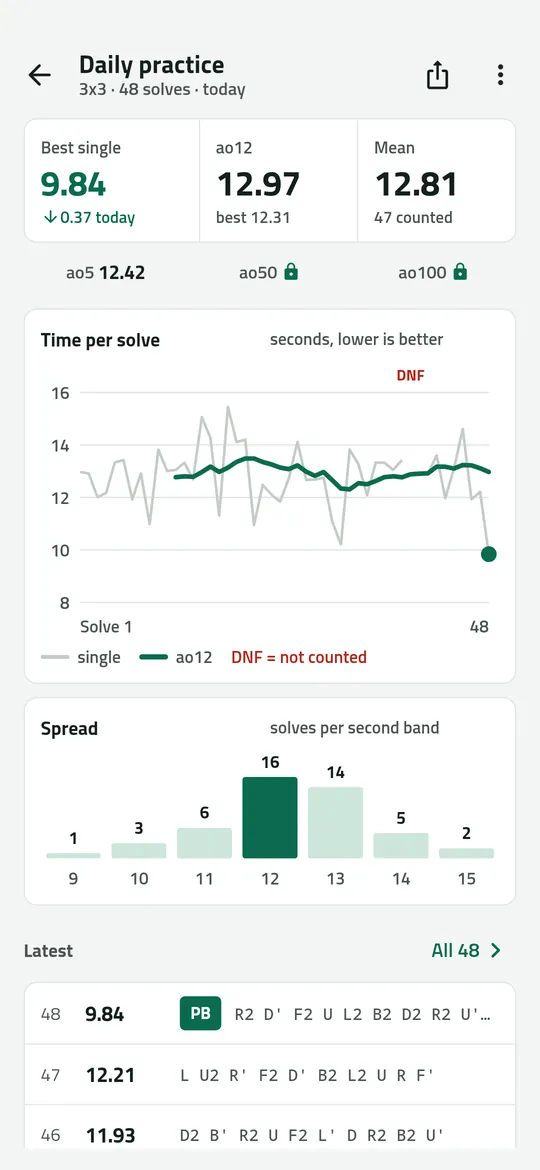
Stats that follow WCA rules. Averages drop the best and worst times, +2 and DNF count the way they do at a competition, and one tap fixes or deletes a solve.
Scan a scrambled cube. Hold each face up to the camera and Cubejay reads the nine stickers.
Every move on a 3D cube. The shortest solution or easy beginner steps, one move at a time, with an arrow on the cube and speed from 0.25x to 2x.
Learn the algorithms. Beginner guide, 2-look OLL and PLL free, and all 119 OLL, PLL and F2L cases in Pro.
Free vs Pro
| Feature | Free | Pro |
|---|---|---|
| Timer, inspection, scrambles | 3x3, 2x2, 4x4 | All 11 puzzles |
| Scan and beginner steps | Included | Included |
| Shortest solutions | 3 a day | No limit |
| Sessions per puzzle | 2 | No limit |
| Stats history | 7 days | All |
| ao50 and ao100 | Not included | Included |
| Algorithm cases | 2-look OLL + PLL | All 119 |
| CSV export and import | Not included | Included |
| No ads | Not included | Included |
Questions
How it works
- Time a solve. Inspect, hold, release and solve. Your time lands in the session with its scramble.
- Scan when you are stuck. Capture six faces, check the colors, and tap Solve my cube.
- Follow the moves. Turn your cube with the 3D cube on screen until it is solved.
Is Cubejay free?
Yes. The timer with inspection and scrambles for 3x3, 2x2 and 4x4, 2 sessions per puzzle, ao5, ao12 and your best time for the last 7 days, scanning with beginner steps as often as you like, 3 shortest solutions a day, and 2-look OLL and PLL are free. Pro adds unlimited shortest solutions, all 11 puzzles, unlimited sessions, full history with ao50 and ao100, CSV export and import, all 119 algorithm cases, and no ads.
Does the camera record my cube?
No. While you scan, the app reads the colors of nine small areas from the camera preview on your phone. No photo or video is saved or sent anywhere.
What if the camera gets a color wrong?
Tap the square and pick the right color. If the cube cannot exist, Cubejay points to the sticker that is wrong.
Does it work without internet?
Yes. The timer, scanner, solver and Learn work offline. The internet is only used for ads, purchases, crash reports and a small settings file.
Can I bring my csTimer or Twisty Timer times?
Yes, with Pro you can import a csTimer or Twisty Timer CSV file and export your sessions as CSV.
Privacy at a glance
- Camera
- Used only while you scan a cube, after you allow it. The app reads the average color of nine small areas of each camera frame in your phone's memory to find the sticker colors. No photo or video is saved, uploaded, sent to us or passed to the ad SDK. The flashlight button uses the camera light. If you do not allow the camera, you can enter the colors by hand.
- Times, sessions and stats
- Your solve times, scrambles, penalties, sessions, how many cubes you solved and your settings are saved only in the app's private storage on your phone. They are never uploaded, never sent to us and never passed to the ad SDK. If you use Android device backup, they may be included in that backup, which Google encrypts for your account.
- CSV export and import
- Created only when you ask. An exported CSV file is shared only where you choose with the Android share sheet. A file to import is opened with the Android document picker, so the app has no access to your storage.
- Trial reminder
- If you start a free trial, one reminder 2 days before it ends is scheduled on your phone by Android. Nothing about it leaves your phone.
- Purchases
- Handled by Google Play; we never see your payment details.
Permissions: Camera, asked the first time you scan a cube, to read sticker colors on your phone. Notifications, asked only when you start a free trial, for one reminder 2 days before it ends. Start at boot, so that reminder is set again after a restart. No microphone, location, contacts, photos and media, storage, exact alarm or foreground service permission; CSV files are opened with the Android document picker. Google's ad and purchase libraries add the advertising ID, network state and billing permissions. Internet is used for ads, purchases, crash reports and the settings file described above.
Something else? Write to support@tinyfair.my.id.
More from tinyfair
 TracefulOn Google Play
 HearthdaysOn Google Play
 GlidecueOn Google Play
 NightechoOn Google Play
 WeehoursOn Google Play
 BackvoxOn Google Play
 PrintwrenOn Google Play
 BillfinchOn Google Play
 RowberryOn Google Play
 TonewashOn Google Play
 SlidequiltOn Google Play
 FrostdialOn Google Play
 WavetallyOn Google Play
 CreasebirdOn Google Play
 SprychairOn Google Play
 WinkboothOn Google Play
 TidepenOn Google Play
 HushmossOn Google Play
 TagnibOn Google Play
 RenewhawkOn Google Play
 RepcrestOn Google Play
 TickstaveOn Google Play
 PawsprigOn Google Play
 BrightwickOn Google Play
 SpinlarkOn Google Play
 ShiftRingOn Google Play
 BullkiteComing soon