 MealwrenWeekly Meal Planner
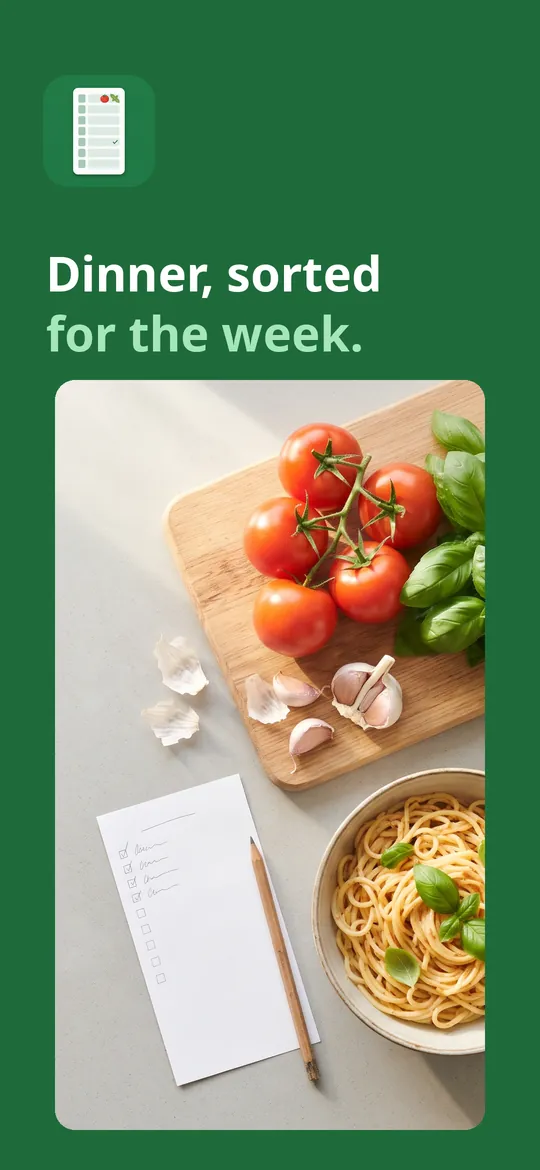
Dinner, sorted for the week.
Mealwren plans your week of meals, turns it into a grocery list sorted by aisle, and keeps every recipe you love in one place. Save recipes from websites, text or a photo. No account, no paywall before you start, and it works offline.
- A week of meals planned in a minute
- Grocery list sorted by aisle, with your prices
- No account, works offline

Swipe through Mealwren
Grocery list by aisle 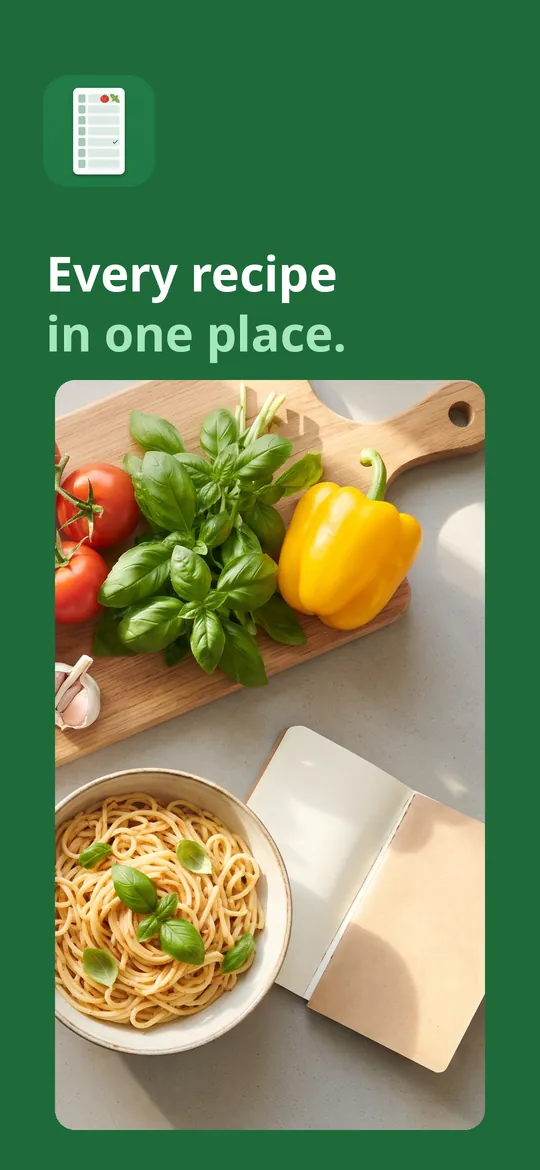
Every recipe in one place
What you can do
Plan the week. Seven days of breakfast, lunch, dinner and snacks.
Grocery list by aisle. Ingredients are combined and sorted by aisle.
Every recipe in one place. Save from a website link, pasted text or a photo of a recipe card.
Free vs Pro
| Feature | Free | Pro |
|---|---|---|
| Weekly planner, grocery list and recipe box | Included | Included |
| Save recipes from links, text and photos | Included | Included |
| Shopping budget with your own prices | Included | Included |
| Auto-fill the week | 1 per week | Unlimited |
| Starter recipe packs | Part | All |
| Nutrition, spending history and statistics | Not included | Included |
| PDF and calendar export | Not included | Included |
| No ads | Not included | Included |
Questions
How it works
- Add your recipes. Save them from links, text or photos, or start with the built-in recipe packs.
- Plan your week. Drag meals into days or let Mealwren fill the week with your preferences.
- Shop and cook. Your grocery list is ready, sorted by aisle. Cooking mode keeps the screen on.
Do I need an account?
No. Mealwren has no sign-up. Everything is stored on your phone, and you can export a backup file at any time.
How does saving a recipe from a website work?
Share the page to Mealwren or paste its link. Your phone downloads that page and reads the recipe from it. Nothing goes through our servers.
Can I share the grocery list with my family?
Yes. Share the list or the week's plan as text to any messaging app.
What does Pro add?
Unlimited auto-fill, all starter recipe packs, nutrition estimates, spending history, PDF and calendar export, more widgets and themes, and no ads.
Privacy at a glance
- Recipes, plans and lists
- Your recipes, notes, ratings, meal plans, grocery lists, pantry items and prices stay in the app's private storage on your device. We never receive them, and usage statistics never include their content.
- Recipes from websites
- When you save a recipe from a link, your phone downloads that web page directly from the website you chose. The website sees a normal web request, as it would in a browser. We do not receive the link or the recipe.
- Photos of recipes
- If you scan a recipe from a photo, you pick or take the photo yourself, and the text is read on your device. The photo is not uploaded.
- Backups
- Backup files you export are saved where you choose. We never see them.
- Purchases
- Handled by Google Play; we never see your payment details.
Permissions: Notifications, for the reminders you turn on (plan your week, shopping day, thaw meat) and cooking timers; exact alarms and start at boot, so reminders and timers ring on time and survive a restart; vibration. No location, contacts or microphone permission. Photos are picked with Android's photo picker or taken with your camera app, only when you scan a recipe. Google's ad and purchase libraries add the advertising ID, network state and billing permissions. Internet is used for recipe pages you choose to save, ads, purchases, crash reports, usage statistics and the settings file described above, never to upload your recipes, plans or lists.
Something else? Write to support@tinyfair.my.id.
More from tinyfair
 TracefulOn Google Play
 HearthdaysOn Google Play
 GlidecueOn Google Play
 NightechoOn Google Play
 WeehoursOn Google Play
 BackvoxOn Google Play
 PrintwrenOn Google Play
 BillfinchOn Google Play
 RowberryOn Google Play
 TonewashOn Google Play
 SlidequiltOn Google Play
 FrostdialOn Google Play
 WavetallyOn Google Play
 CreasebirdOn Google Play
 SprychairOn Google Play
 WinkboothOn Google Play
 TidepenOn Google Play
 HushmossOn Google Play
 TagnibOn Google Play
 RenewhawkOn Google Play
 RepcrestOn Google Play
 TickstaveOn Google Play
 PawsprigOn Google Play
 BrightwickOn Google Play
 SpinlarkOn Google Play
 BullkiteOn Google Play
 CubejayOn Google Play
 CapternOn Google Play
 CoverswiftOn Google Play
 StillwrenOn Google Play
 PasslarkOn Google Play
 CalendenseOn Google Play
 DockglowOn Google Play
 EvelarkOn Google Play
 StampkiteOn Google Play
 ShelfwrenOn Google Play
 TallyforgeOn Google Play
 TillmintOn Google Play
 BoutbellOn Google Play
 CuffkeepOn Google Play
 SpoolhumOn Google Play
 MoodwrenOn Google Play
 IronjotOn Google Play
 WitsprintOn Google Play
 LamplingOn Google Play
 InklarkOn Google Play
 PitchfinchOn Google Play
 SalahwellOn Google Play
 ShiftRingOn Google Play
 VersewrenComing soon
 ChorebloomComing soon
 BlurwrenComing soon
MealwrenFree on Google Play