 ChorebloomKids Chore Chart
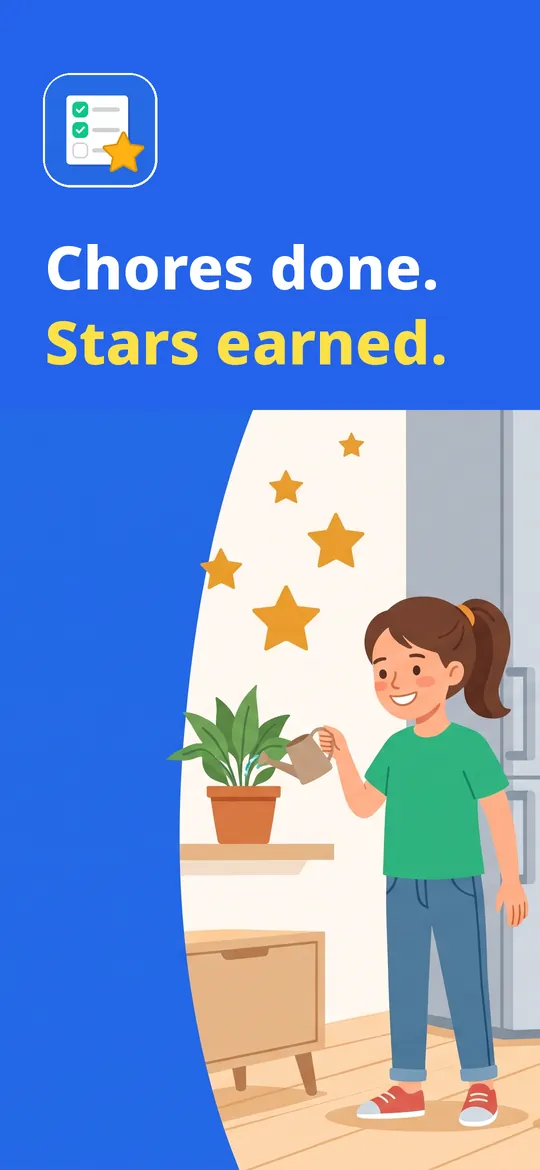
Chores done, stars earned.
A chore chart for families: kids tick off their chores, earn points and save them for rewards you choose. Works offline on one family phone or tablet, with no account.
- Unlimited chores, even in the free version
- Points, rewards and savings goals for kids
- Offline on one family device, no account
Swipe through Chorebloom
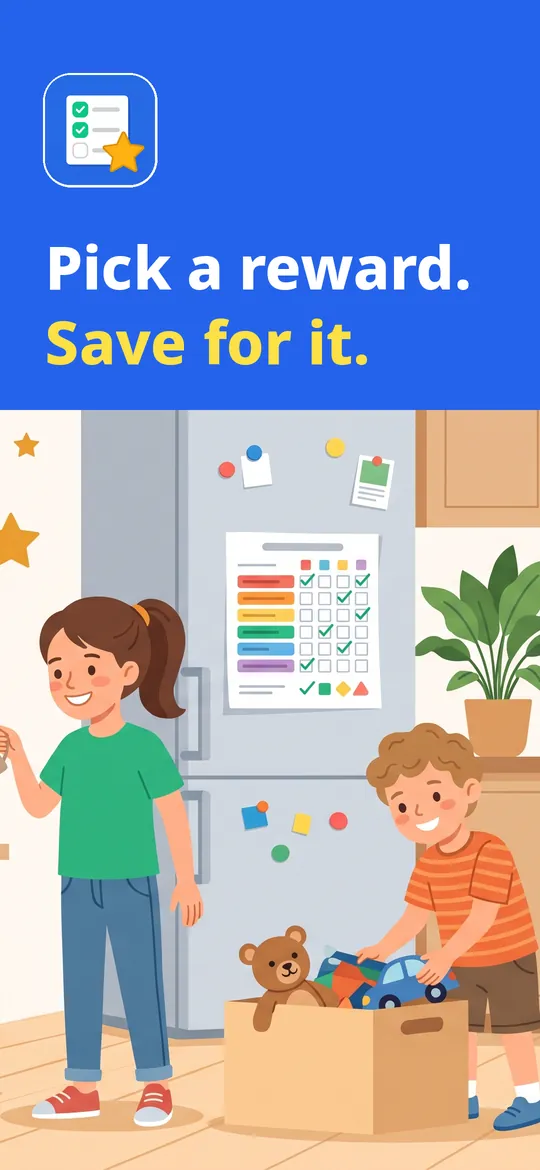
Points, rewards and goals 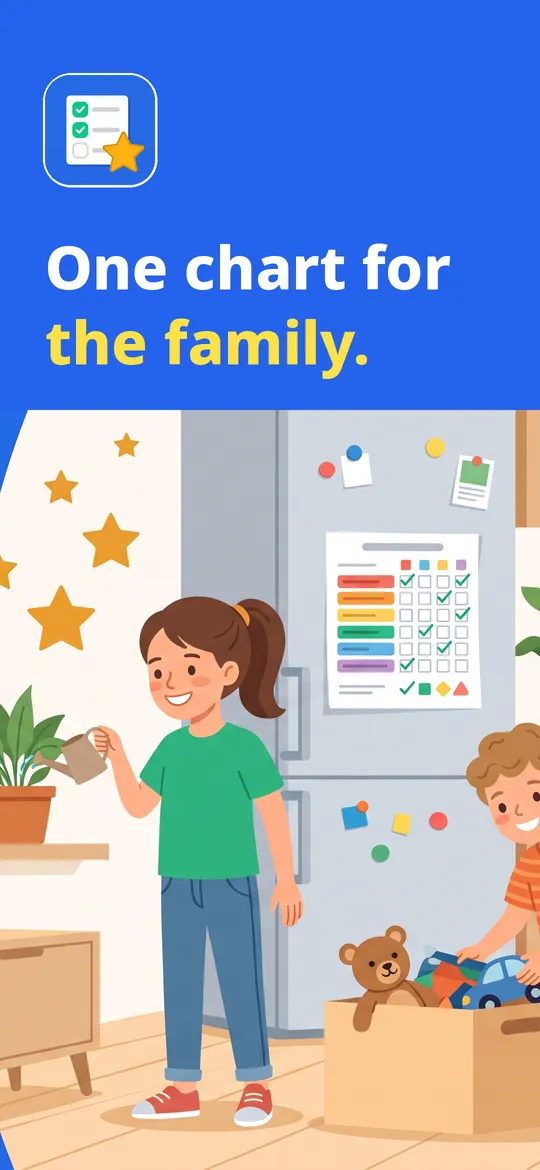
One chart for the whole family
What you can do
Big, easy chore lists. Morning, afternoon, evening and bonus chores with large icons and checkboxes kids can use on their own.
Points, rewards and goals. Each chore earns points.
One chart for the whole family. Switch between kids in one tap, see the week's leaderboard, streaks and a widget for today's chores.
Free vs Pro
| Feature | Free | Pro |
|---|---|---|
| Chores, points, rewards and savings goals | Included | Included |
| Kids | 2 | Unlimited |
| Timed routines | 1 | Unlimited |
| Chore rotation between kids | Not included | Included |
| Allowance in real money | Not included | Included |
| History | 14 days | All, with full stats |
| Extra color themes | Not included | Included |
| No ads | Not included | Included |
Questions
How it works
- Add your kids. A name, a color and an avatar. Pick chores from the ready-made list or write your own.
- Kids tick their chores. In Kid mode they see only their own list, with big icons and a star when done.
- Approve and reward. Approve with your PIN, then trade points for the rewards your kids are saving for.
Who is it for?
Parents and carers of children roughly 3 to 14 who want a simple chore chart with points and rewards. The app is set up and managed by a parent.
Does each child need a phone?
No. Chorebloom runs on one family phone or tablet. Kids switch to their own list in Kid mode; Parent mode is protected by a PIN.
Do I need an account or internet?
No. Everything stays on your device. Internet is only used for ads in Parent mode, purchases and crash reports. You can save a backup file to move to a new device.
What does Pro add?
Unlimited kids, chore rotation between kids, allowance in real money, unlimited timed routines, full statistics and history, extra color themes and no ads.
Privacy at a glance
- Family chart
- Your children's names, colors, avatars, chores, points, rewards, routines and history are saved only in the app's private storage on your device. They are never sent to us, and the ad and statistics SDKs never receive them.
- Parent PIN
- The PIN is stored on your device only and is used to open Parent mode.
- Backup file
- Only when you choose Back up does the app create a file, and you decide where to save or send it. We never receive it.
- Reminders and widget
- Chore reminders are scheduled on your device by Android. The home screen widget reads today's chores from the app on your device.
- Purchases
- Handled by Google Play; we never see your payment details.
Permissions: Notifications, for the chore reminders you turn on; reminders are set again after the device restarts (start at boot). Vibration for tick feedback. No camera, microphone, location, contacts, photos or storage permission and no foreground service. Google's ad and purchase libraries add the advertising ID, network state and billing permissions. Internet is used for ads, purchases, crash reports, usage statistics and the settings file described above, never for your family's chart.
Something else? Write to support@tinyfair.my.id.
More from tinyfair
 TracefulOn Google Play
 HearthdaysOn Google Play
 GlidecueOn Google Play
 NightechoOn Google Play
 WeehoursOn Google Play
 BackvoxOn Google Play
 PrintwrenOn Google Play
 BillfinchOn Google Play
 RowberryOn Google Play
 TonewashOn Google Play
 SlidequiltOn Google Play
 FrostdialOn Google Play
 WavetallyOn Google Play
 CreasebirdOn Google Play
 SprychairOn Google Play
 WinkboothOn Google Play
 TidepenOn Google Play
 HushmossOn Google Play
 TagnibOn Google Play
 RenewhawkOn Google Play
 RepcrestOn Google Play
 TickstaveOn Google Play
 PawsprigOn Google Play
 BrightwickOn Google Play
 SpinlarkOn Google Play
 BullkiteOn Google Play
 CubejayOn Google Play
 CapternOn Google Play
 CoverswiftOn Google Play
 StillwrenOn Google Play
 PasslarkOn Google Play
 CalendenseOn Google Play
 DockglowOn Google Play
 EvelarkOn Google Play
 StampkiteOn Google Play
 ShelfwrenOn Google Play
 TallyforgeOn Google Play
 TillmintOn Google Play
 BoutbellOn Google Play
 CuffkeepOn Google Play
 SpoolhumOn Google Play
 MoodwrenOn Google Play
 IronjotOn Google Play
 WitsprintOn Google Play
 LamplingOn Google Play
 InklarkOn Google Play
 VersewrenOn Google Play
 PitchfinchOn Google Play
 BlurwrenOn Google Play
 NurwellOn Google Play
 MealwrenOn Google Play
 NotiwrenOn Google Play
 ShiftRingOn Google Play
 SiftwrenComing soon
ChorebloomFree on Google Play