 NotiwrenSee Deleted Messages
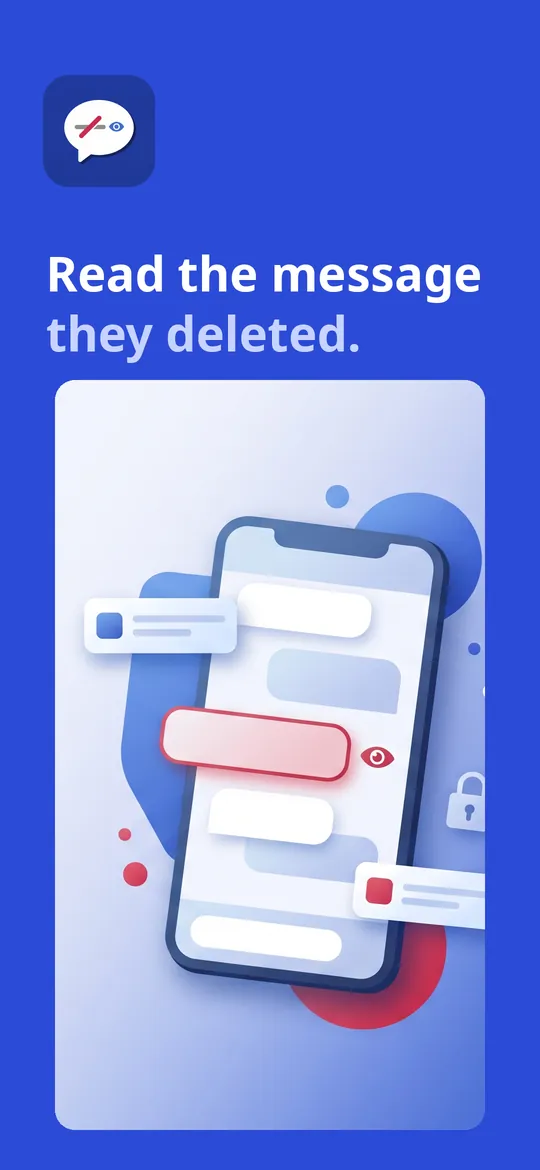
Read the message they deleted.
Notiwren keeps a private copy of the notifications you receive, so a message that was unsent after it arrived can still be read. It also keeps a searchable notification history. Everything stays on your phone, with no account.
- Read messages the sender unsent
- Notification history with search
- No account, stays on your phone
Swipe through Notiwren
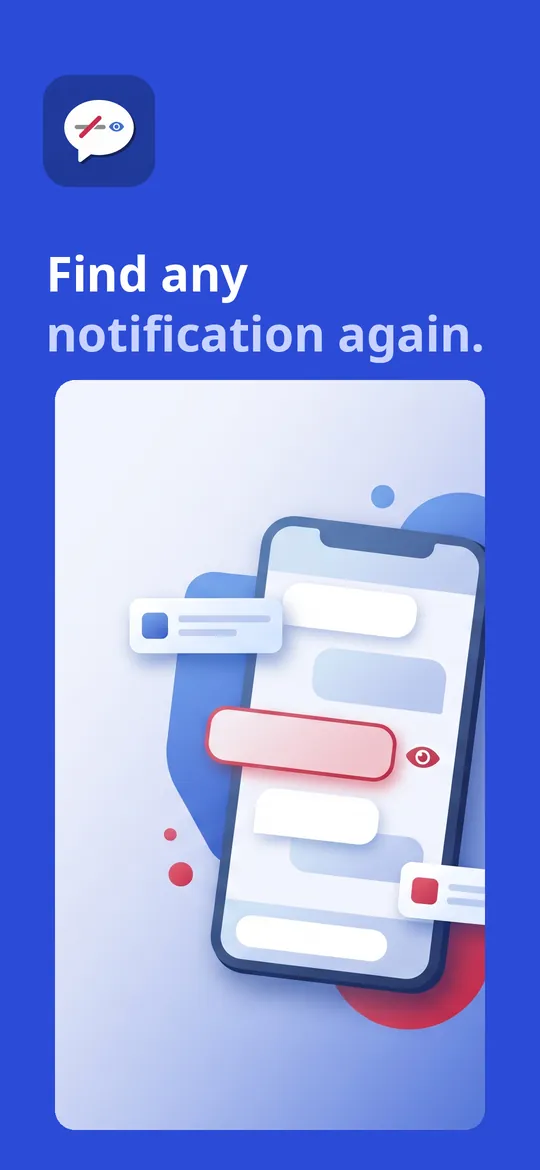
Notification history 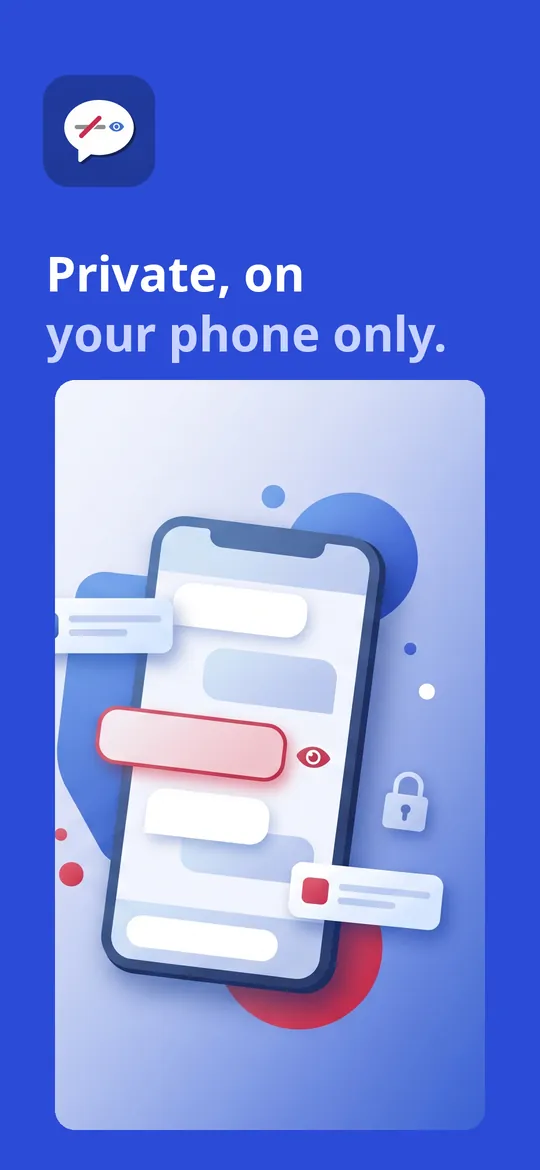
Private and locked
What you can do
See deleted messages. A Deleted tab collects messages the sender removed, marked in red, shown in a chat view with the messages around them.
Notification history. Swiped a notification away by mistake? Find it again.
Private and locked. Lock the app with a PIN, pick which apps are recorded, and keep messages for 7 days free or forever with Pro.
Free vs Pro
| Feature | Free | Pro |
|---|---|---|
| Deleted tab, chats and notification history | Included | Included |
| Search and filter by app | Included | Included |
| PIN lock, OTP never saved | Included | Included |
| How long messages are kept | 7 days | Forever |
| Export conversations | Not included | Included |
| Keyword alerts | 1 keyword | Unlimited |
| Full statistics | Not included | Included |
| No ads | Not included | Included |
Questions
How it works
- Allow notification access. Android asks once. Notiwren explains exactly what it reads before you agree.
- Use your phone as usual. New notifications are saved privately on your phone from that moment on.
- Read what was deleted. When a sender unsends a message, the original stays in the Deleted tab.
Can Notiwren recover old messages?
No. It can only show messages that arrived as a notification after you turned it on. No app can bring back messages from before that.
Which apps does it work with?
Any app that shows the message text in its notification, including popular chat apps and SMS, as long as their notifications are turned on.
Does it read other people's phones?
No. Notiwren only reads the notifications on the phone it is installed on, and its icon is always visible.
What does Pro add?
Messages kept forever, export of conversations, keyword alerts, full statistics, and no ads.
Privacy at a glance
- Messages and notifications
- Notiwren reads the notifications that arrive on your phone through Android's notification access, which you grant yourself. It stores the app name, title, text and time in the app's private storage on your device. We never receive them, and usage statistics never include their content.
- What is not saved
- Notifications that look like one-time codes (OTP) are skipped, and apps you switch off in Settings are not recorded.
- How long it is kept
- Free: 7 days, then old items are deleted automatically. Pro: until you delete them.
- Exports
- Conversations you export are saved or shared where you choose. We never see them.
- Purchases
- Handled by Google Play; we never see your payment details.
Permissions: Notification access (a special permission you grant in Android settings), to save the notifications you receive on this phone; posting notifications, for keyword alerts you turn on. No SMS, call log, contacts, accessibility, location, microphone or storage permission. Google's ad and purchase libraries add the advertising ID, network state and billing permissions. Internet is used for ads, purchases, crash reports, usage statistics and the settings file described above, never to upload your messages or notifications.
Something else? Write to support@tinyfair.my.id.
More from tinyfair
 TracefulOn Google Play
 HearthdaysOn Google Play
 GlidecueOn Google Play
 NightechoOn Google Play
 WeehoursOn Google Play
 BackvoxOn Google Play
 PrintwrenOn Google Play
 BillfinchOn Google Play
 RowberryOn Google Play
 TonewashOn Google Play
 SlidequiltOn Google Play
 FrostdialOn Google Play
 WavetallyOn Google Play
 CreasebirdOn Google Play
 SprychairOn Google Play
 WinkboothOn Google Play
 TidepenOn Google Play
 HushmossOn Google Play
 TagnibOn Google Play
 RenewhawkOn Google Play
 RepcrestOn Google Play
 TickstaveOn Google Play
 PawsprigOn Google Play
 BrightwickOn Google Play
 SpinlarkOn Google Play
 BullkiteOn Google Play
 CubejayOn Google Play
 CapternOn Google Play
 CoverswiftOn Google Play
 StillwrenOn Google Play
 PasslarkOn Google Play
 CalendenseOn Google Play
 DockglowOn Google Play
 EvelarkOn Google Play
 StampkiteOn Google Play
 ShelfwrenOn Google Play
 TallyforgeOn Google Play
 TillmintOn Google Play
 BoutbellOn Google Play
 CuffkeepOn Google Play
 SpoolhumOn Google Play
 MoodwrenOn Google Play
 IronjotOn Google Play
 WitsprintOn Google Play
 LamplingOn Google Play
 InklarkOn Google Play
 PitchfinchOn Google Play
 NurwellOn Google Play
 MealwrenOn Google Play
 ShiftRingOn Google Play
 VersewrenComing soon
 ChorebloomComing soon
 BlurwrenComing soon
 SiftwrenComing soon
NotiwrenFree on Google Play