 SiftwrenSwipe Photo Cleaner
Swipe your gallery clean.
Siftwren sorts your photos and videos by month and album. Swipe left to delete, right to keep, find duplicate and similar photos, and see the space you really freed. Everything is checked on your phone.
- Unlimited swiping, no ads while you swipe
- Duplicates, similar shots and old screenshots
- Nothing is uploaded, no account
Coming soon to Google Play.
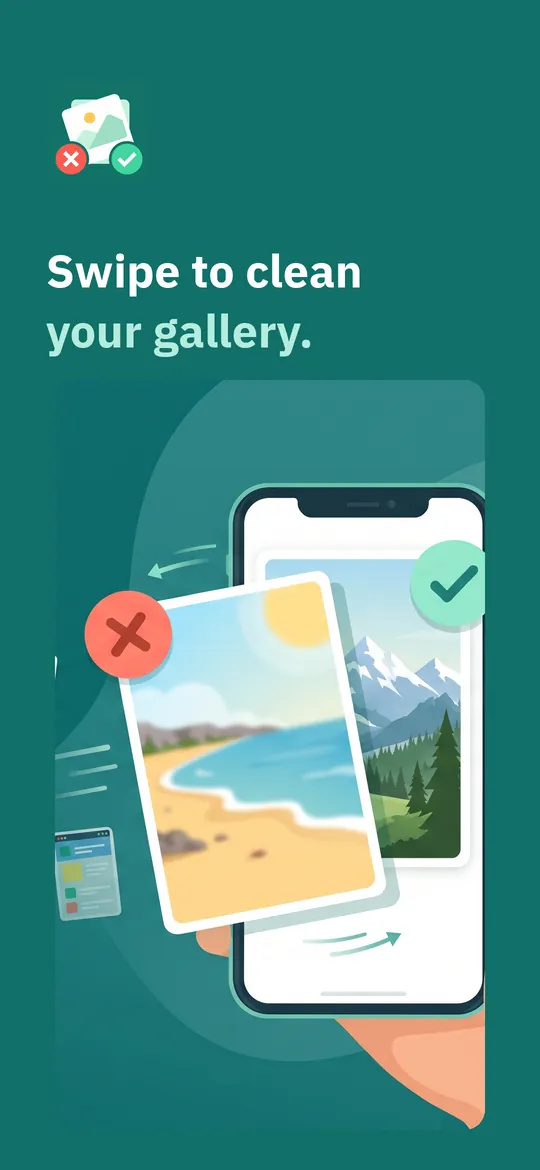
Swipe through Siftwren
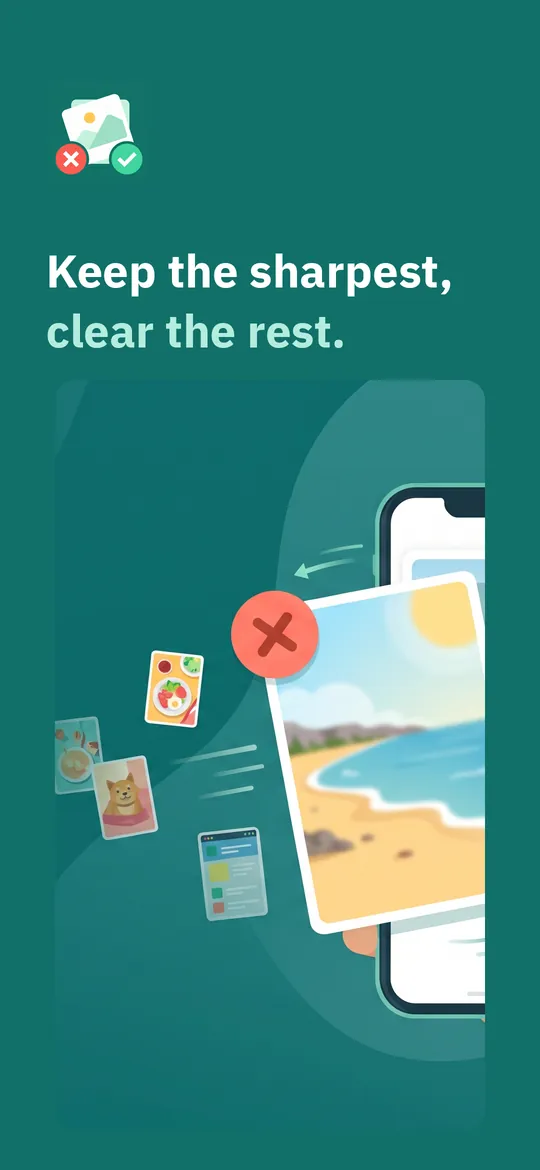
Duplicates and similar shots 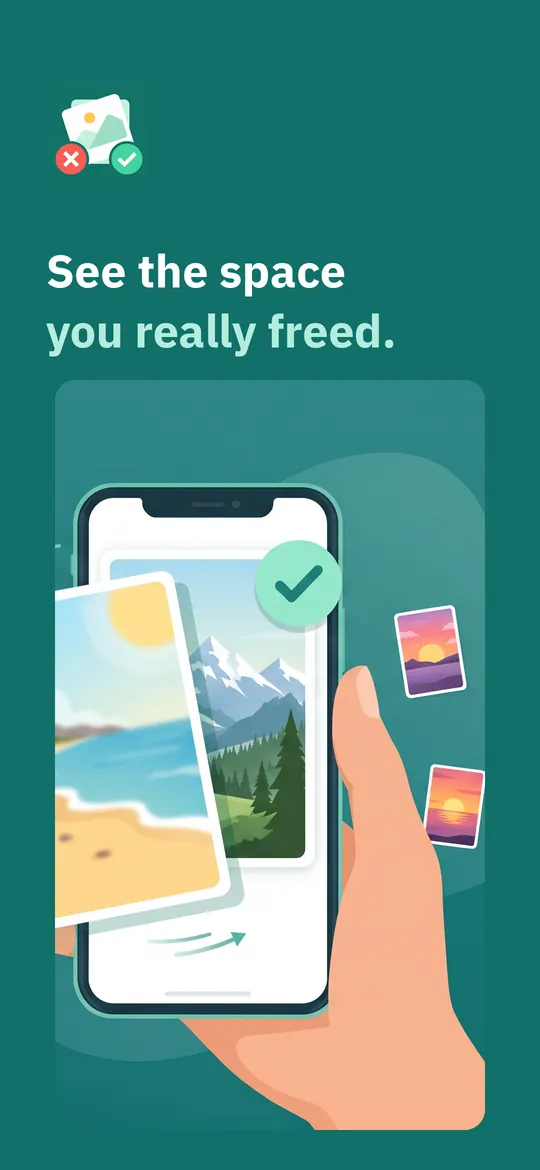
Real deletion, real numbers
What you can do
Swipe by month or album. Left to delete, right to keep, up for a favorite.
Duplicates and similar shots. Exact copies and near-identical bursts are grouped, with the sharpest photo already picked for you.
Real deletion, real numbers. Delete the bin in one Android confirmation, to the system trash or for good, and see the space you freed.
Free vs Pro
| Feature | Free | Pro |
|---|---|---|
| Swiping, review bin and real deletion | Included | Included |
| Today, On this day, streak and widget | Included | Included |
| Exact duplicates and old screenshots | Included | Included |
| Similar photo groups | 2 a day | Unlimited |
| Blurry photos | Not included | Included |
| Video and photo compression | Not included | Included |
| Detailed statistics | Not included | Included |
| No ads | Not included | Included |
Questions
How it works
- Allow photo access. Android asks once. You can give access to all photos or only the ones you choose.
- Swipe and review. Sort a month, an album or today's new photos, then check the review bin.
- Delete and see the result. Confirm once in Android and see exactly how much space came back.
Are my photos uploaded?
No. Duplicates, similar and blurry photos are found on your phone. Your photos and videos are never sent to us or to anyone else.
Can I get a deleted photo back?
On Android 11 and later you can choose the system trash, where photos can be restored for 30 days. Photos deleted permanently cannot be restored. Photos you keep in a cloud backup may be removed there too, depending on your backup app.
Is there a daily limit?
No. Swiping is unlimited in the free version, and there are no ads while you swipe.
What does Pro add?
Unlimited similar photo groups with the sharpest pick, blurry photos, video and photo compression, detailed statistics and no ads.
Privacy at a glance
- Photos and videos
- Siftwren reads your photos and videos through Android's media permission, which you grant yourself (all photos or only the ones you select). They are checked on your device to find duplicates, similar and blurry photos. Nothing is uploaded, and the ad and statistics SDKs never receive your pictures, file names or anything found in them.
- Sorting progress
- Your swipe decisions, review bin, favorites, progress per month, picture fingerprints used to group similar photos, streak and statistics are kept in the app's private storage on your device.
- Deleting and compressing
- Photos are deleted only after you confirm in Android's own dialog. Compressed copies are saved to your gallery as new files.
- Purchases
- Handled by Google Play; we never see your payment details.
Permissions: Photos and videos (READ_MEDIA_IMAGES, READ_MEDIA_VIDEO, and on Android 14 and later the option to allow only selected photos; storage read on Android 12 and earlier), because sorting and deleting your gallery is what the app does. No "all files" access. Notifications, only for the optional daily reminder you turn on; it is set again after the device restarts (start at boot). No camera, microphone, location or contacts permission. Google's ad and purchase libraries add the advertising ID, network state and billing permissions. Internet is used for ads, purchases, crash reports, usage statistics and the settings file described above, never for your photos or videos.
Something else? Write to support@tinyfair.my.id.
More from tinyfair
 TracefulOn Google Play
 HearthdaysOn Google Play
 GlidecueOn Google Play
 NightechoOn Google Play
 WeehoursOn Google Play
 BackvoxOn Google Play
 PrintwrenOn Google Play
 BillfinchOn Google Play
 RowberryOn Google Play
 TonewashOn Google Play
 SlidequiltOn Google Play
 FrostdialOn Google Play
 WavetallyOn Google Play
 CreasebirdOn Google Play
 SprychairOn Google Play
 WinkboothOn Google Play
 TidepenOn Google Play
 HushmossOn Google Play
 TagnibOn Google Play
 RenewhawkOn Google Play
 RepcrestOn Google Play
 TickstaveOn Google Play
 PawsprigOn Google Play
 BrightwickOn Google Play
 SpinlarkOn Google Play
 BullkiteOn Google Play
 CubejayOn Google Play
 CapternOn Google Play
 CoverswiftOn Google Play
 StillwrenOn Google Play
 PasslarkOn Google Play
 CalendenseOn Google Play
 DockglowOn Google Play
 EvelarkOn Google Play
 StampkiteOn Google Play
 ShelfwrenOn Google Play
 TallyforgeOn Google Play
 TillmintOn Google Play
 BoutbellOn Google Play
 CuffkeepOn Google Play
 SpoolhumOn Google Play
 MoodwrenOn Google Play
 IronjotOn Google Play
 WitsprintOn Google Play
 LamplingOn Google Play
 InklarkOn Google Play
 PitchfinchOn Google Play
 SalahwellOn Google Play
 MealwrenOn Google Play
 ShiftRingOn Google Play
 VersewrenComing soon
 ChorebloomComing soon
 BlurwrenComing soon
 NotiwrenComing soon