 BlurwrenBlur Face & Censor
Blur every face. In one tap.
Blurwren finds the faces in your photos and videos, lets you pick which ones to hide, and covers them with blur, pixels or a solid bar. Everything happens on your phone, offline, with no upload.
- Faces found automatically, tap to keep or hide
- Photos, batches and short videos
- Offline, nothing is uploaded, no watermark

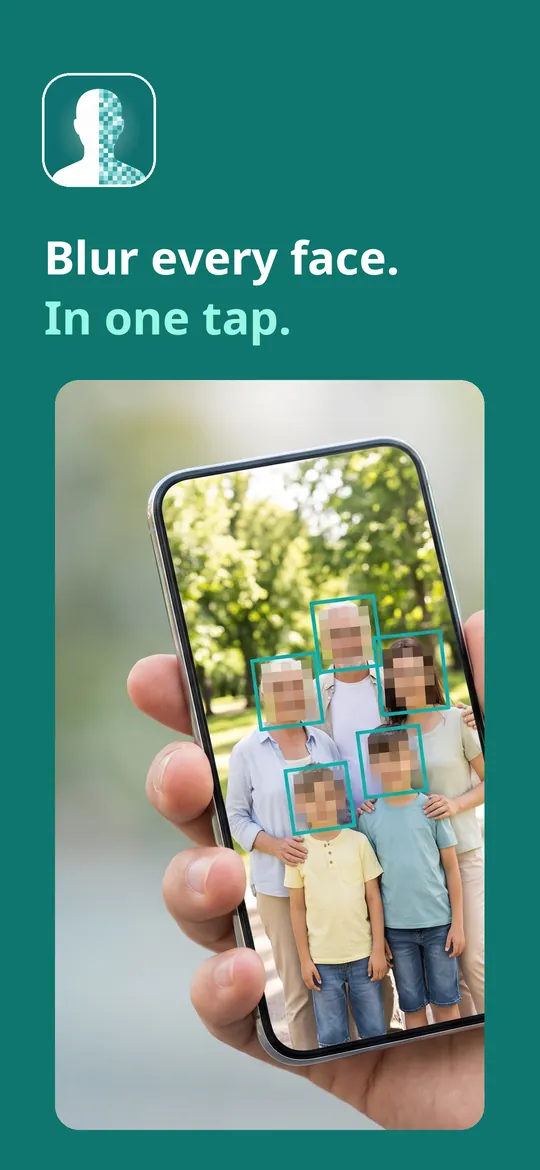
Swipe through Blurwren
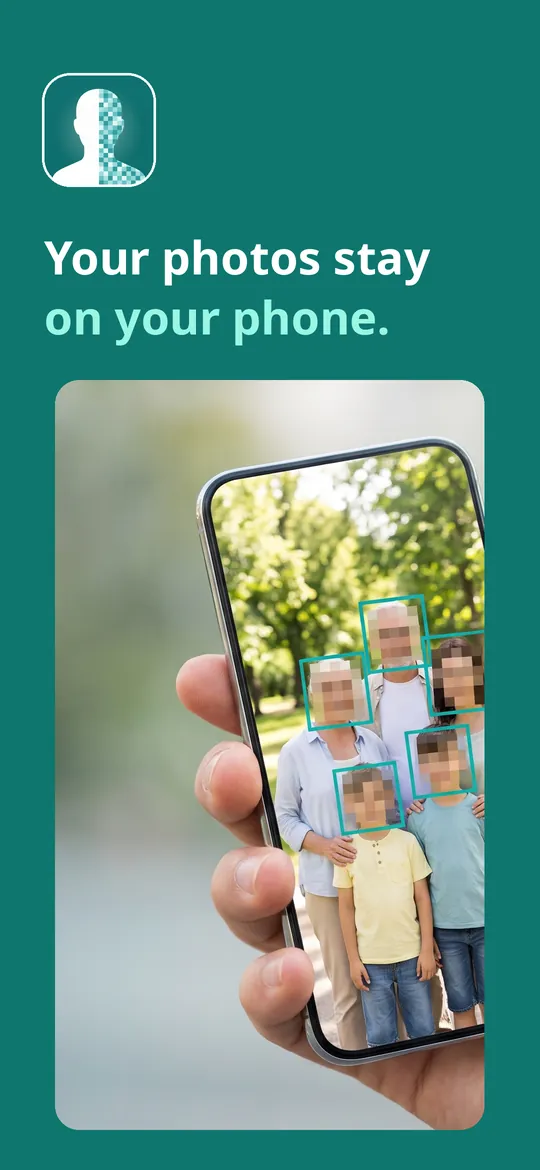
Photos, batches and videos 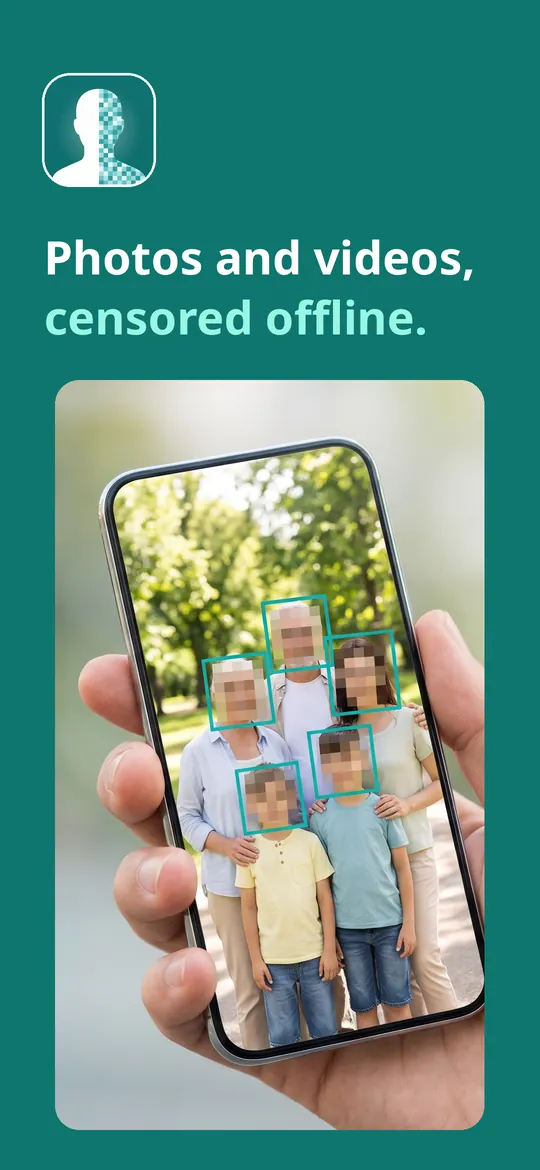
Save clean copies
What you can do
Blur, pixelate or cover. Choose blur, pixel mosaic with adjustable tile size, a black bar or a solid color, and set the strength.
Photos, batches and videos. Censor one photo, a batch of photos at once, or a short video where faces are followed frame by frame.
Save clean copies. Your original stays untouched.
Free vs Pro
| Feature | Free | Pro |
|---|---|---|
| Face detection, blur, pixelate, bar and color fill | Included | Included |
| Boxes, ovals and brush | Included | Included |
| Photos per batch | 3 | Unlimited |
| Video length | Up to 15 seconds | Unlimited |
| Automatic text censoring (emails, numbers) | Not included | Included |
| Emoji covers | Not included | Included |
| Export size | Up to 2048 px | Original resolution |
| No ads | Not included | Included |
Questions
How it works
- Pick a photo or video. Choose it with Android's photo picker. The app sees only what you pick.
- Choose what to hide. Detected faces are marked. Tap to keep one clear, or draw your own areas.
- Save or share. Save a new copy to your gallery or share it straight away.
Are my photos uploaded?
No. Face and text detection run on your phone with Google ML Kit on-device models. Your photos and videos are never sent to us or to anyone else.
Can a blurred face be restored?
Not from the saved copy: the hidden area is replaced in the new file. Your original stays in your gallery unless you delete it yourself.
Does it need storage permission?
No. You pick files with Android's photo picker, so the app only sees the photos and videos you choose.
What does Pro add?
Unlimited batches, automatic text censoring for emails, phone and card numbers, longer videos, emoji covers, export at full original resolution and no ads.
Privacy at a glance
- Photos and videos
- Files you pick are processed on your device only. Face and text detection use on-device models; nothing is uploaded, and the ad and statistics SDKs never receive your pictures or anything detected in them.
- Saved copies
- Edited copies are saved to your gallery as new files, without location (EXIF) data. The original is not changed.
- Recent list
- Small thumbnails of your recent saves are kept in the app's private storage so you can find them again. Clearing the list or uninstalling the app deletes them.
- Purchases
- Handled by Google Play; we never see your payment details.
Permissions: No camera, microphone, location, contacts or media storage permission: you choose photos and videos with Android's photo picker, and the app sees only those files. Notifications, only to tell you that a video you are exporting is ready. Google's ad and purchase libraries add the advertising ID, network state and billing permissions. Internet is used for ads, purchases, crash reports, usage statistics and the settings file described above, never for your photos or videos.
Something else? Write to support@tinyfair.my.id.
More from tinyfair
 TracefulOn Google Play
 HearthdaysOn Google Play
 GlidecueOn Google Play
 NightechoOn Google Play
 WeehoursOn Google Play
 BackvoxOn Google Play
 PrintwrenOn Google Play
 BillfinchOn Google Play
 RowberryOn Google Play
 TonewashOn Google Play
 SlidequiltOn Google Play
 FrostdialOn Google Play
 WavetallyOn Google Play
 CreasebirdOn Google Play
 SprychairOn Google Play
 WinkboothOn Google Play
 TidepenOn Google Play
 HushmossOn Google Play
 TagnibOn Google Play
 RenewhawkOn Google Play
 RepcrestOn Google Play
 TickstaveOn Google Play
 PawsprigOn Google Play
 BrightwickOn Google Play
 SpinlarkOn Google Play
 BullkiteOn Google Play
 CubejayOn Google Play
 CapternOn Google Play
 CoverswiftOn Google Play
 StillwrenOn Google Play
 PasslarkOn Google Play
 CalendenseOn Google Play
 DockglowOn Google Play
 EvelarkOn Google Play
 StampkiteOn Google Play
 ShelfwrenOn Google Play
 TallyforgeOn Google Play
 TillmintOn Google Play
 BoutbellOn Google Play
 CuffkeepOn Google Play
 SpoolhumOn Google Play
 MoodwrenOn Google Play
 IronjotOn Google Play
 WitsprintOn Google Play
 LamplingOn Google Play
 InklarkOn Google Play
 VersewrenOn Google Play
 PitchfinchOn Google Play
 NurwellOn Google Play
 MealwrenOn Google Play
 NotiwrenOn Google Play
 ShiftRingOn Google Play
 ChorebloomComing soon
 SiftwrenComing soon
BlurwrenFree on Google Play